Power Apps Now Embedded in Teams: Streamline Workflows Without Leaving Your Chat
Integrate Power Apps directly into Microsoft Teams to boost productivity and reduce context-switching with seamless app embedding.
Integrate Power Apps directly into Microsoft Teams to boost productivity and reduce context-switching with seamless app embedding.
Extend Power Pages with Power Automate Cloud Flows to automate server logic without custom code, boosting efficiency across departments.
Discover how to enhance your Power Apps with AI without starting from scratch. Reduce costs and accelerate ROI with existing workflows.
PPCC 2026 introduces AI Fusion Engine 3.0, embedding AI directly into Power Platform workflows and apps.
Power Apps App Agents now offer custom tools and rich UI for conversational apps, reducing development time by 40-60% and enabling seamless integration with leg
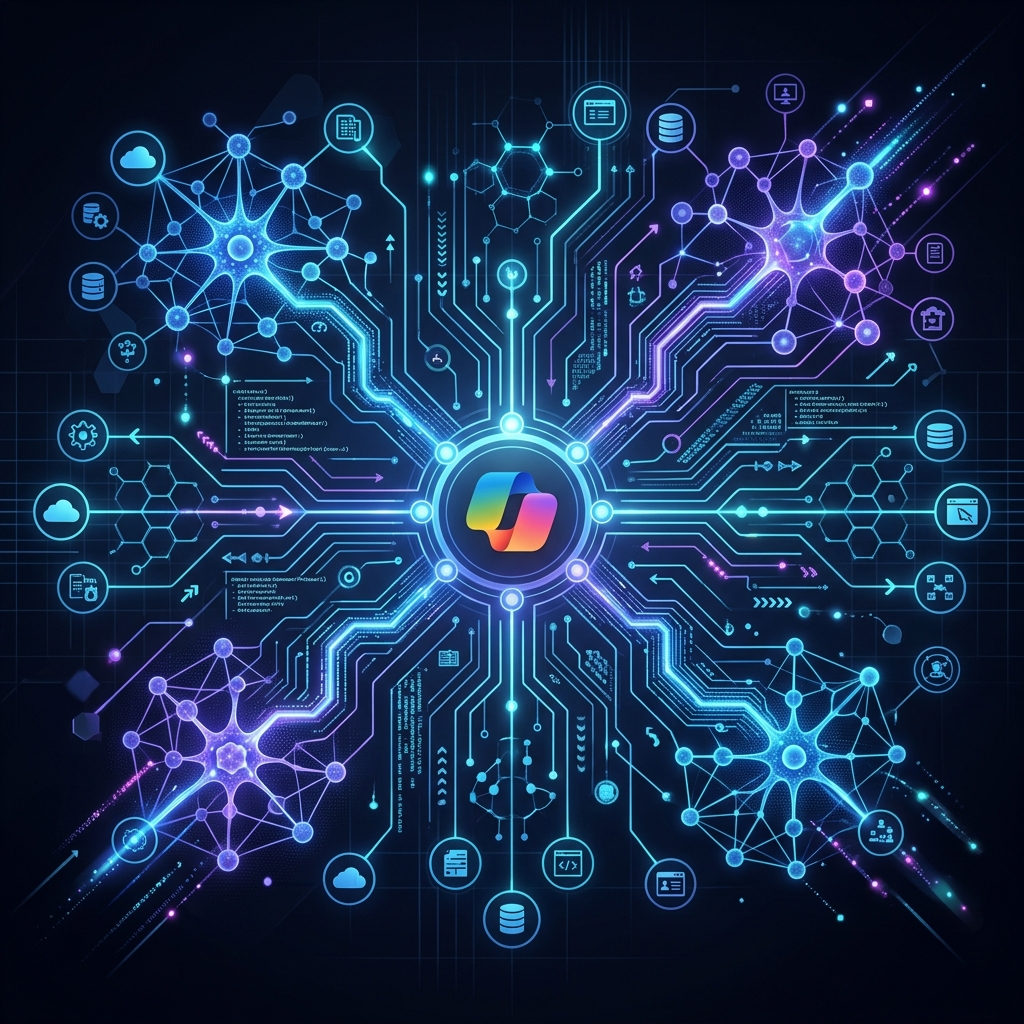
The Problem: Fragmented AI Integration If you’ve ever tried to connect an AI agent to a legacy system or enterprise tool, you know the frustration. Each integration feels like starting from scratch—custom coding, security hurdles, and endless API configuration. This is where Microsoft Copilot Studio and the Model Context Protocol (MCP) step in. Together, they redefine how AI agents interact with the world, turning complex integrations into streamlined workflows. What is Model Context Protocol (MCP)? MCP is Microsoft’s answer to the chaos of AI integration. At its core, it’s a standardized framework that lets AI agents communicate with external systems via RESTful APIs, gRPC, or custom protocols. Think of it as a universal translator for AI: it exposes tools and data through predefined endpoints, which Copilot Studio agents consume using the platform’s built-in connector infrastructure. ...
Start typing to search across all articles